 FretFalcon
 FretFalcon is a free, open-source practice studio for musicians who play fretted instruments. Easily reference chords, scales, and more. Build a timed practice routine, play with a synthesized backing track, and more.
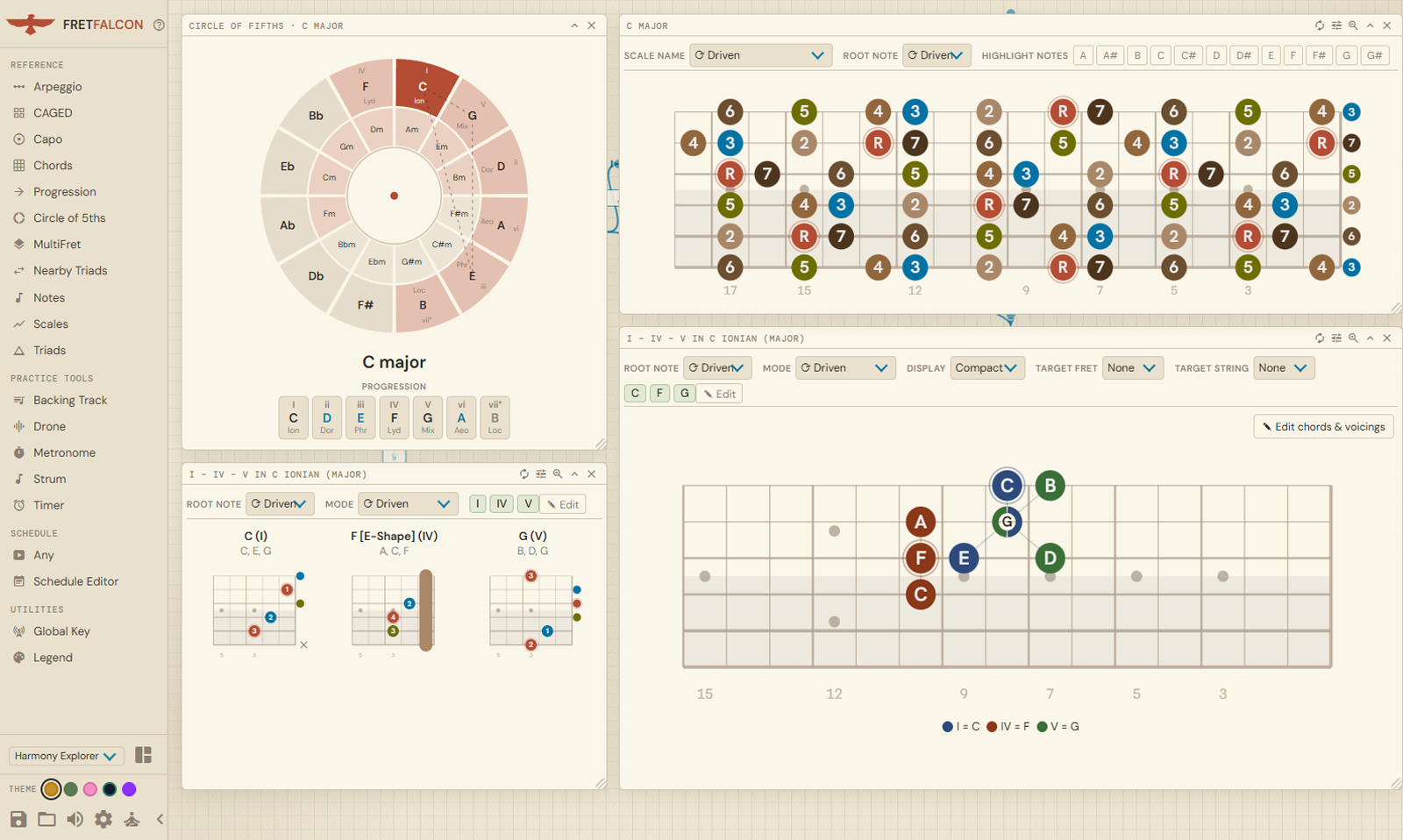
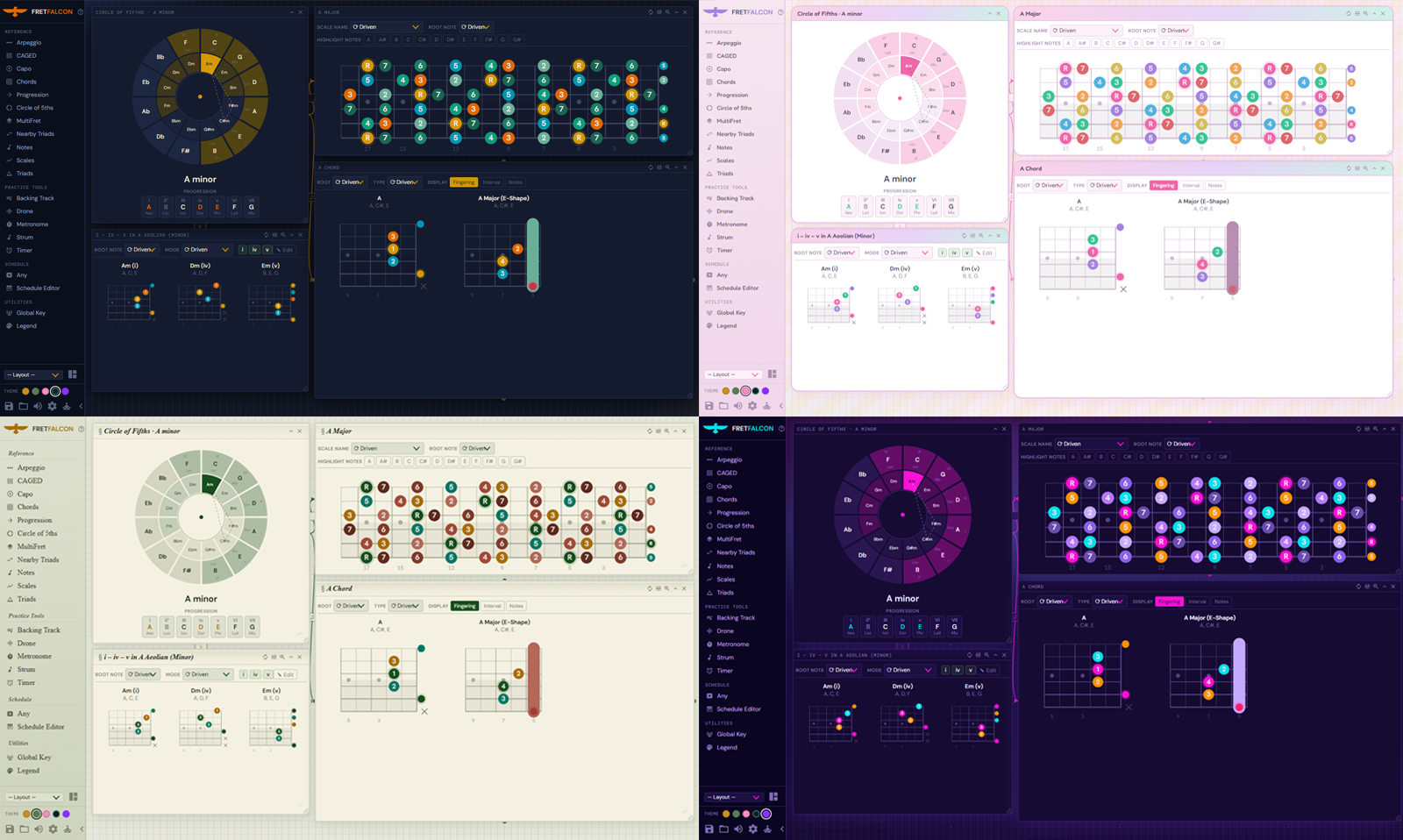
Visualize scales and chord tones; and overlay multiple layers on the same fretboard or view side-by-side. Pin any combination of references as floating panels so you can cross-check without fumbling through tabs and ads.
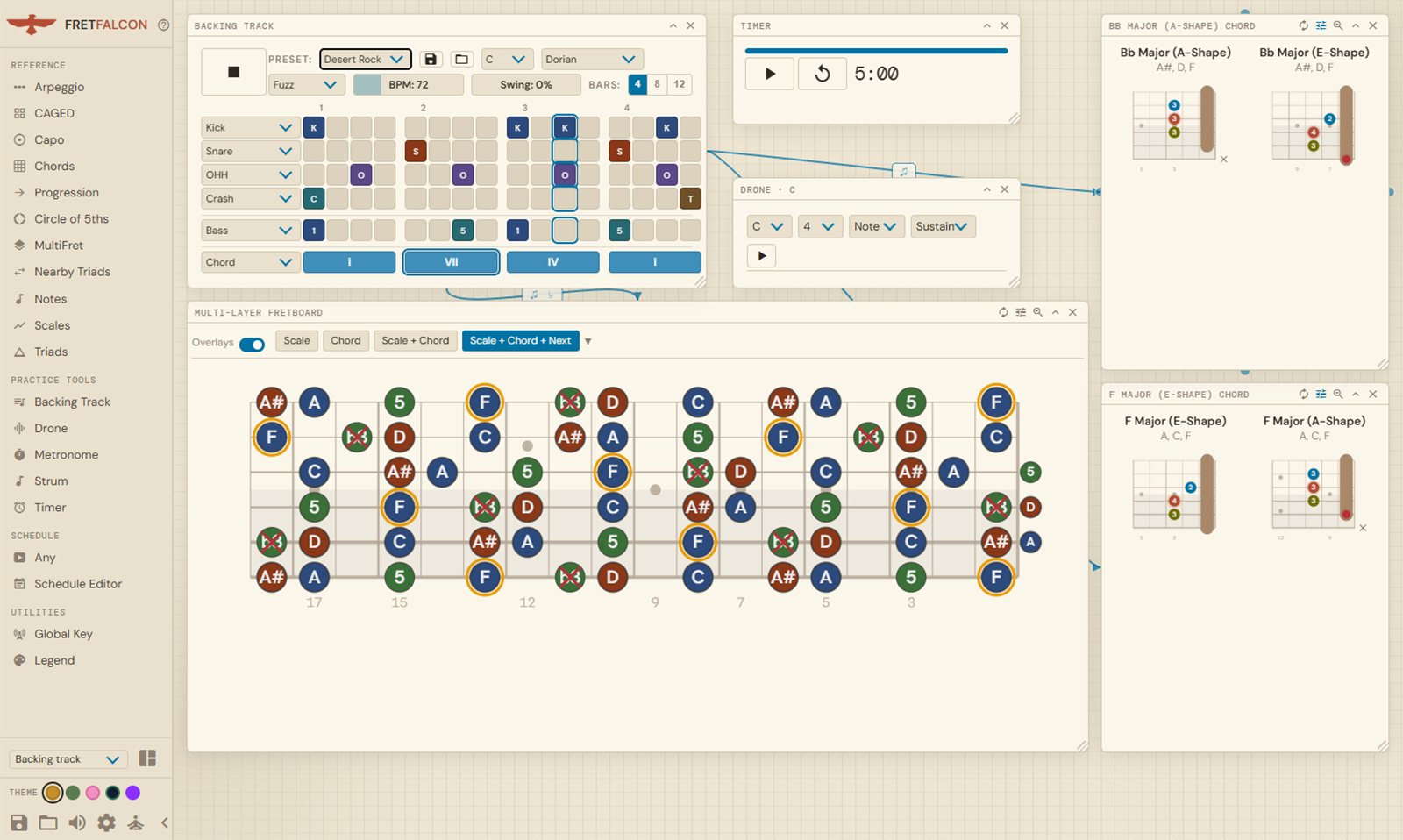
A set of audio tools lives alongside the reference — each one a floating panel you can call up at any time. Configurable backing track, metronome, strum, and drone pitch are always a click away.
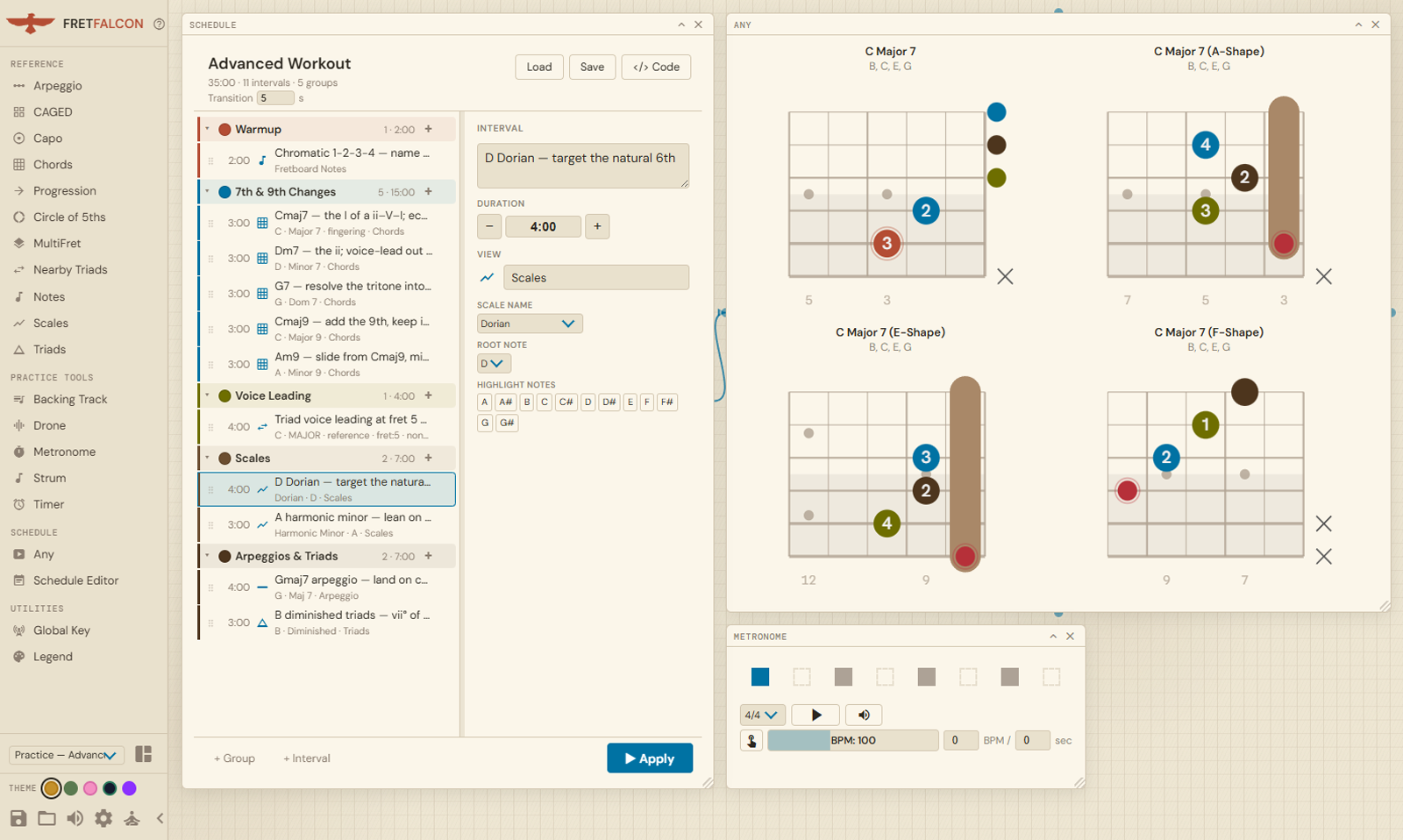
Stop noodling. Build a structured practice session and let the timer guide you through it. Save and load previous sessions.
Browse scales, chords, triads, CAGED diagrams, and the circle of fifths, all rendered consistently. Pin any combination side-by-side for cross-referencing.
First-class lefty support throughout. Diagrams and fretboard maps mirror natively. No need to flip or rotate diagrams in your head.
See scales and chord diagrams for 6/7/8-string guitar, bass, uke, mandolin, mandola, charango, and banjo. Great for multi-instrumentalists.
Define a session as a list of named, timed intervals — “10 min: C-major pentatonic, positions 1–3.” FretFalcon keeps the clock, shows the right diagrams for each item, notifies you when time’s up, and advances on its own.
Connect panels so they share state — a backing track can drive the chord-progression display, or the circle of fifths can broadcast a key to the rest of your views. Build the signal flow that fits how you think.
No React, no runtime dependencies — just TypeScript, vanilla DOM and Webpack. The build is a single self-contained HTML file you can open locally, self-host, or preview straight from GitHub.

No installation, no account. FretFalcon runs in your browser the moment you open it. Save forever on your machine as a single HTML page.